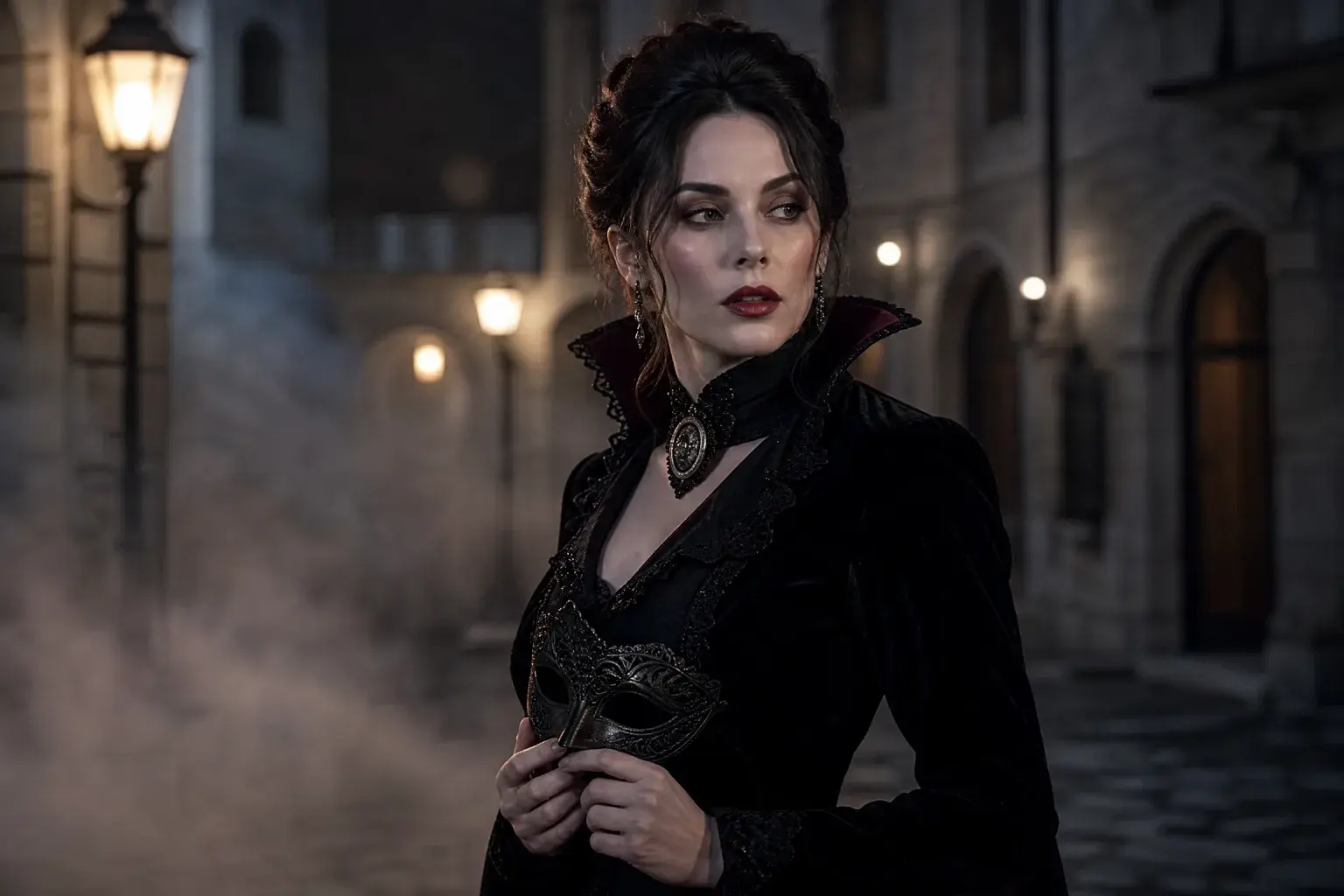
AI Halloween costume generator
One selfie to an original costume portrait. The main money page.
Halloween AI hub 2026
This hub collects the Halloween pages that do different jobs: a costume generator, a photo editor, a video workspace, a prompt library and a dated trend report. Pick the job first; the tool follows.
Halloween AI hub
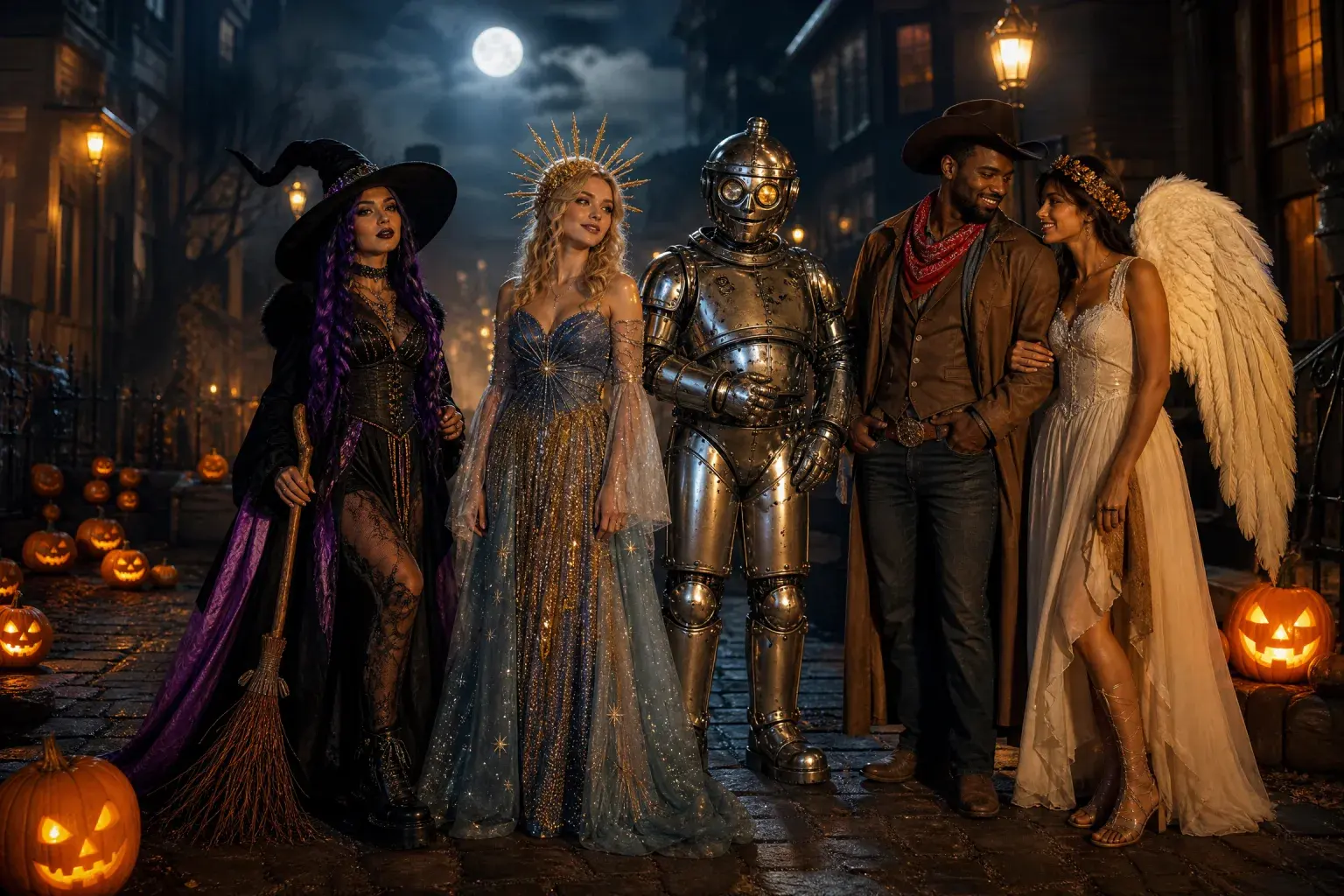
The short answer
If you want a costume, open the costume generator. If you only want better light or makeup, open the photo editor. If you already have a still and want motion, open the video generator. If you use another model, copy a prompt.
Every card below opens a separate page with its own prompt, examples and FAQ. Nothing here is a duplicate doorway to the same text.
One selfie to an original costume portrait. The main money page.
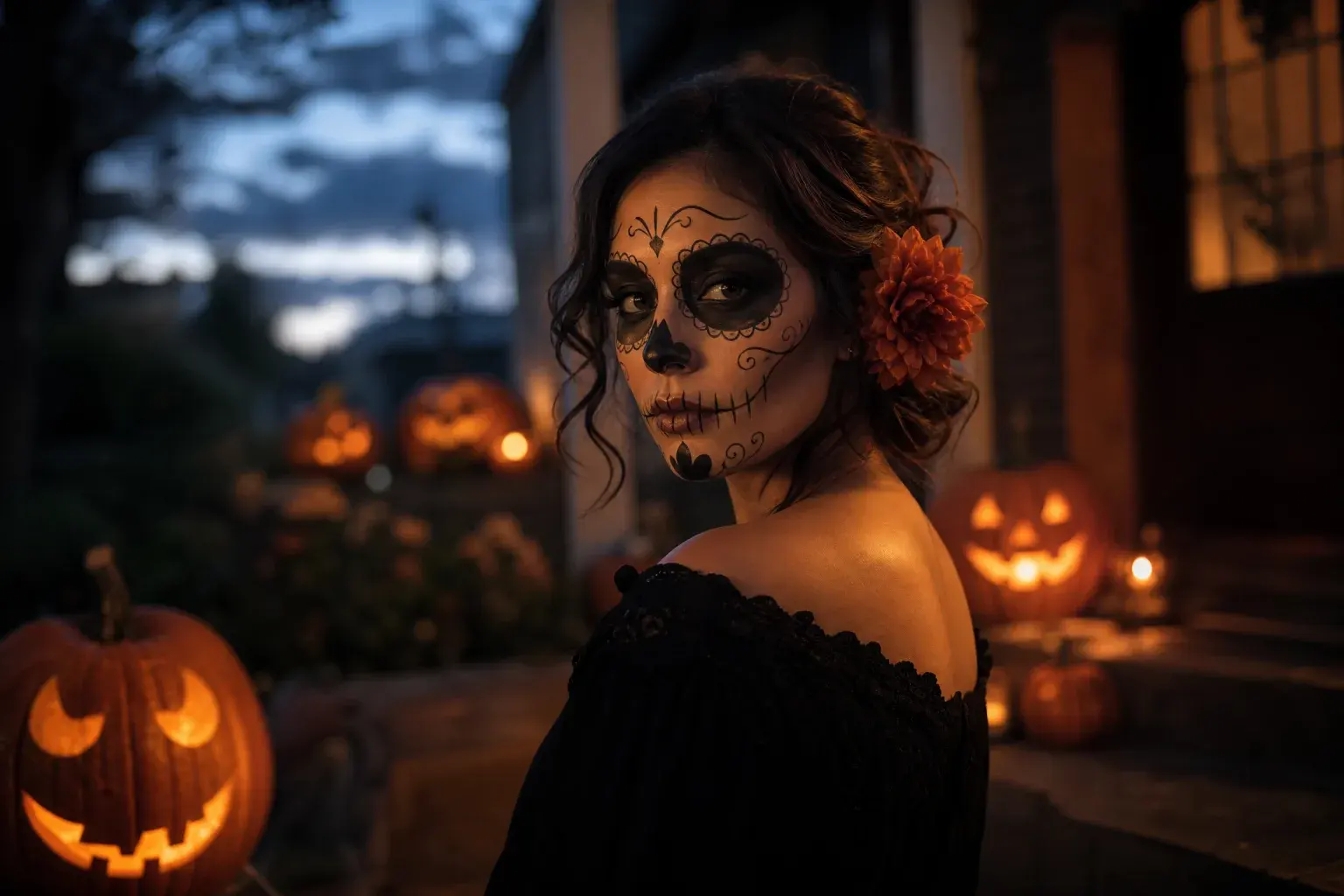
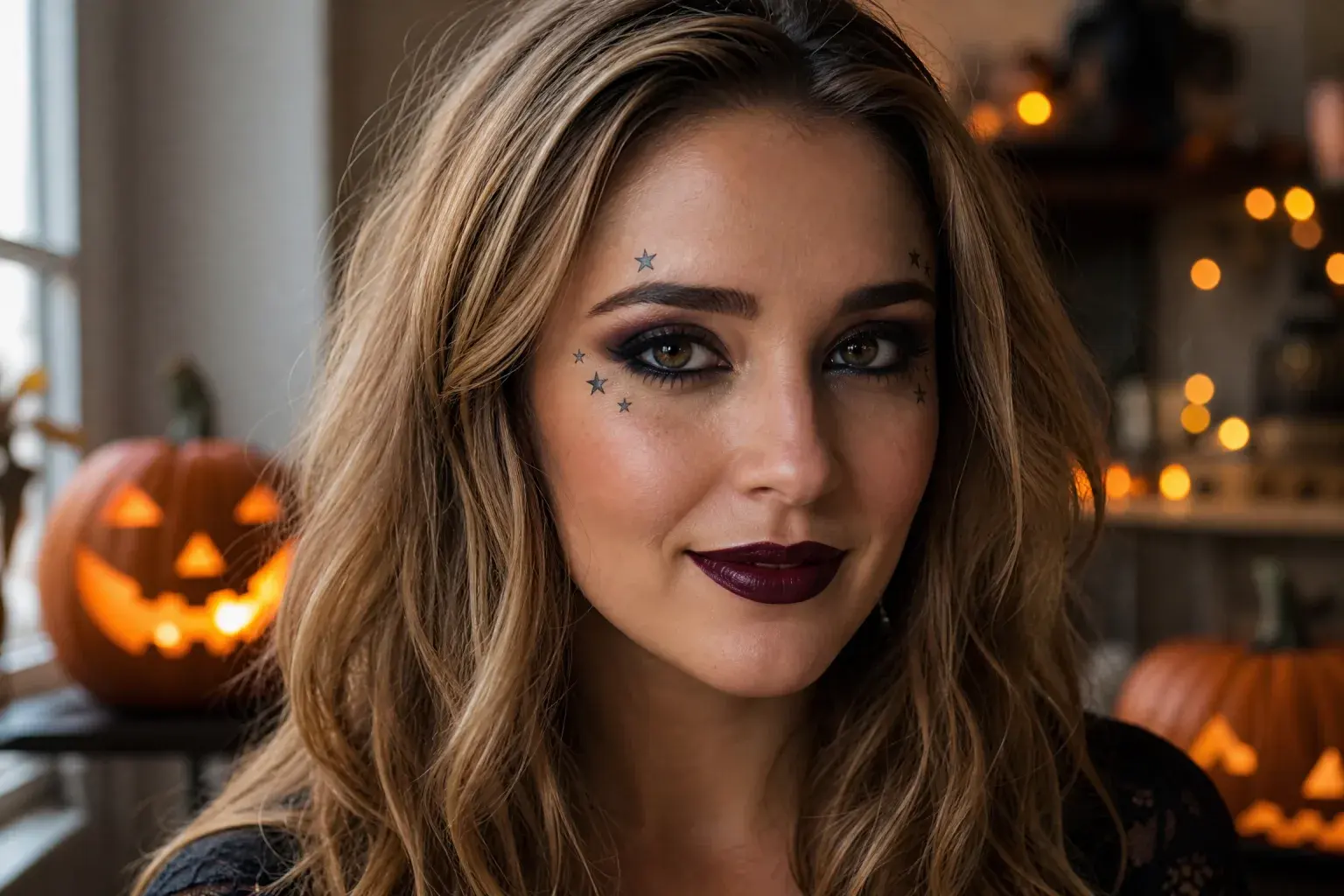
Makeup, background and light edits without a full costume change.
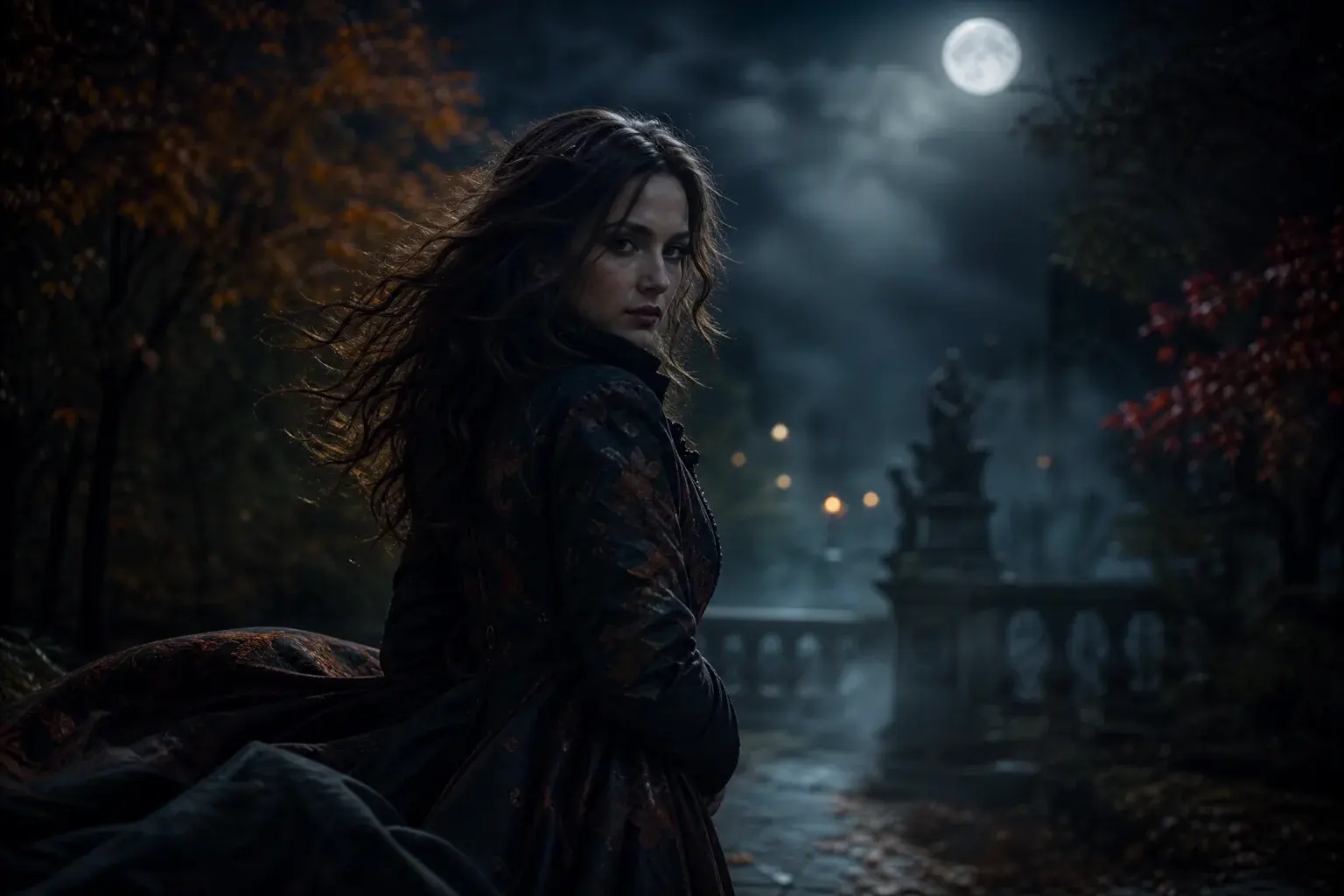
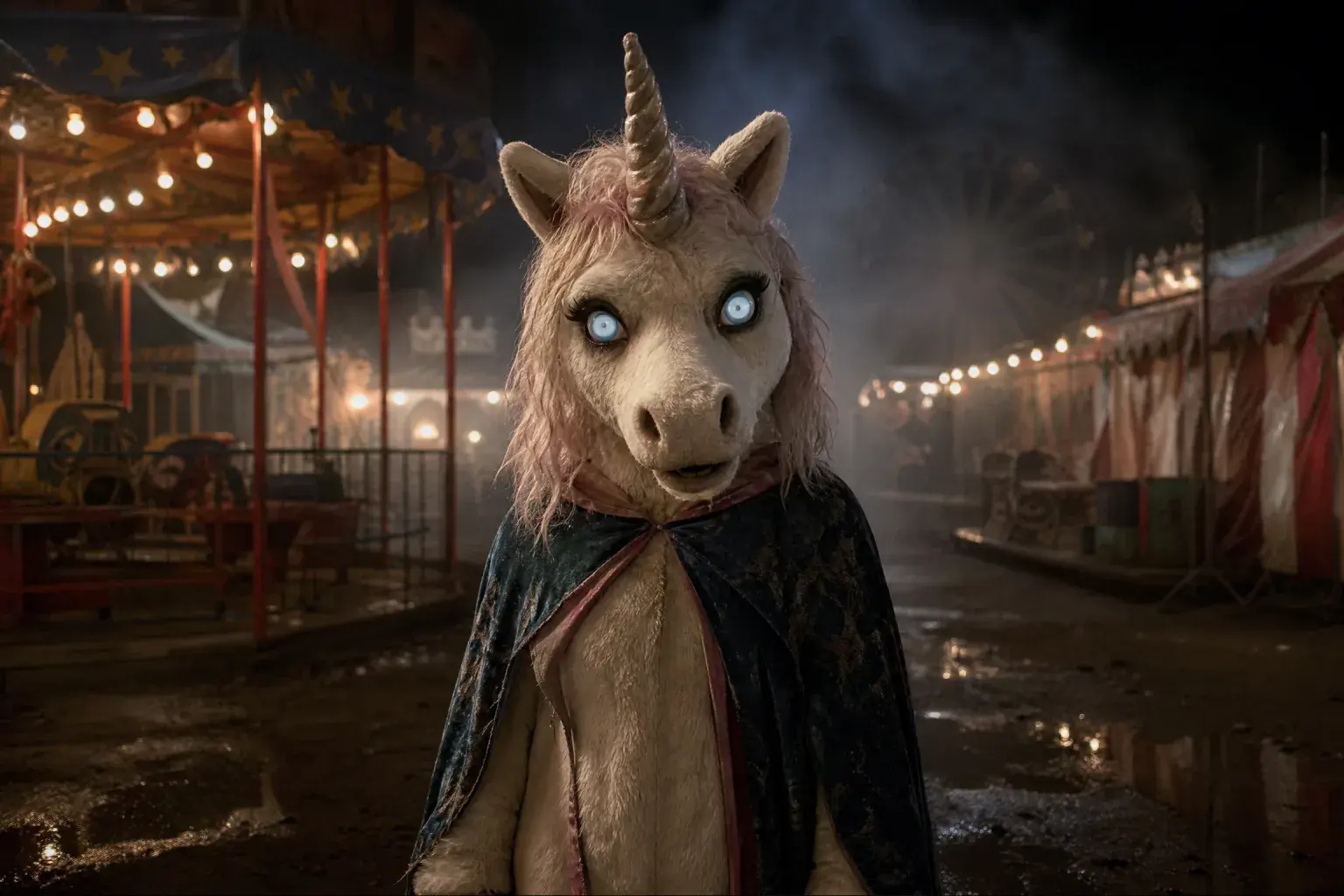
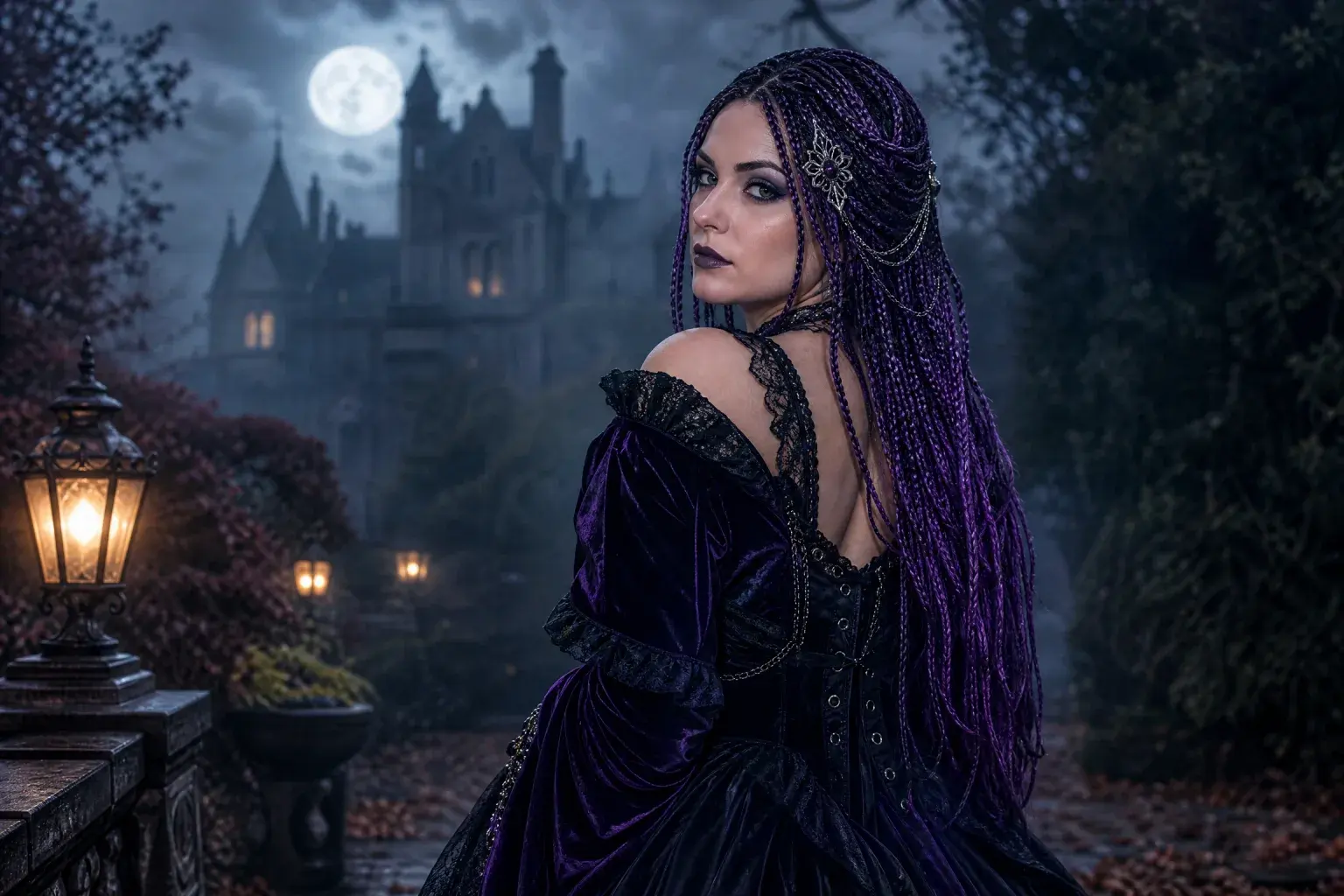
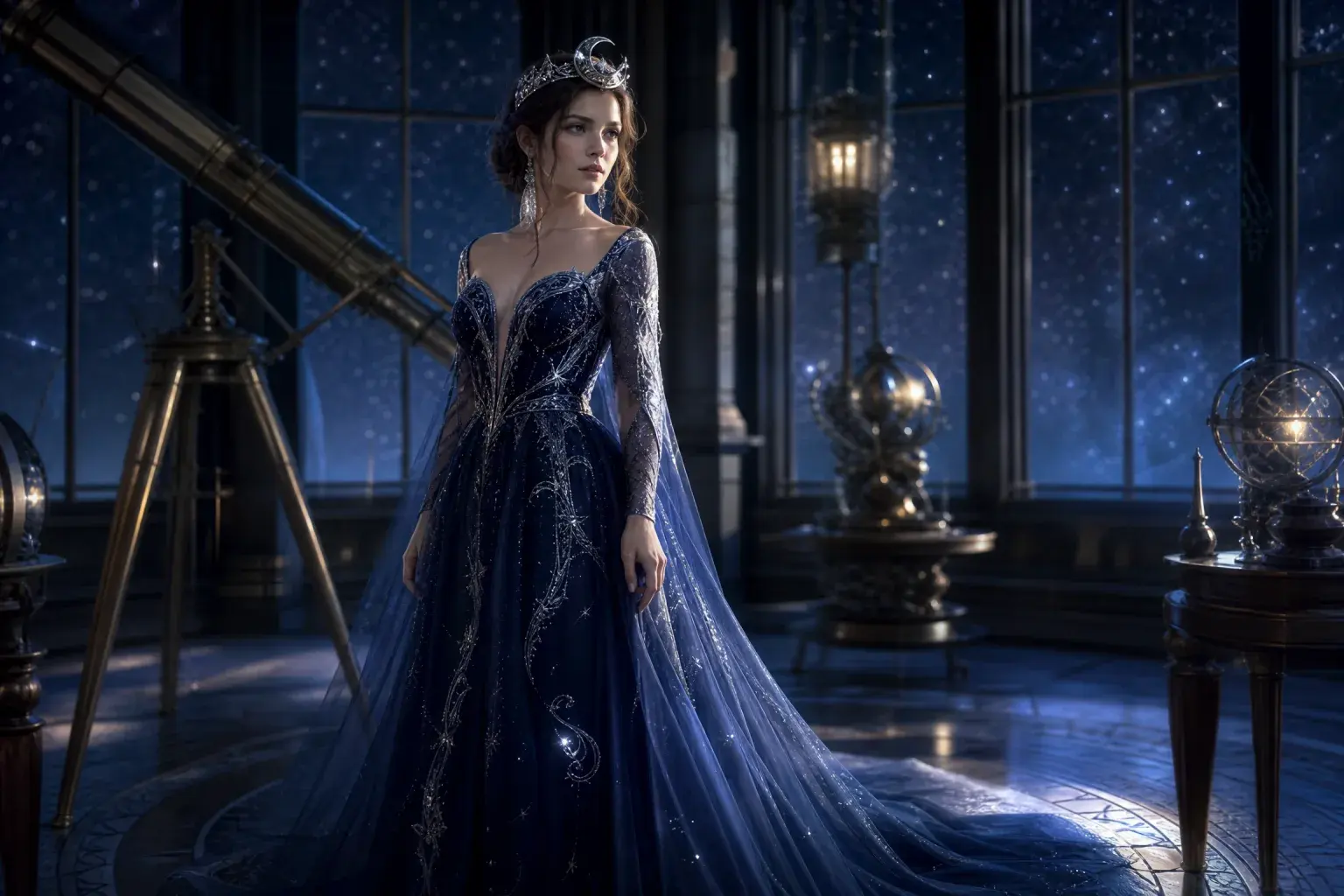

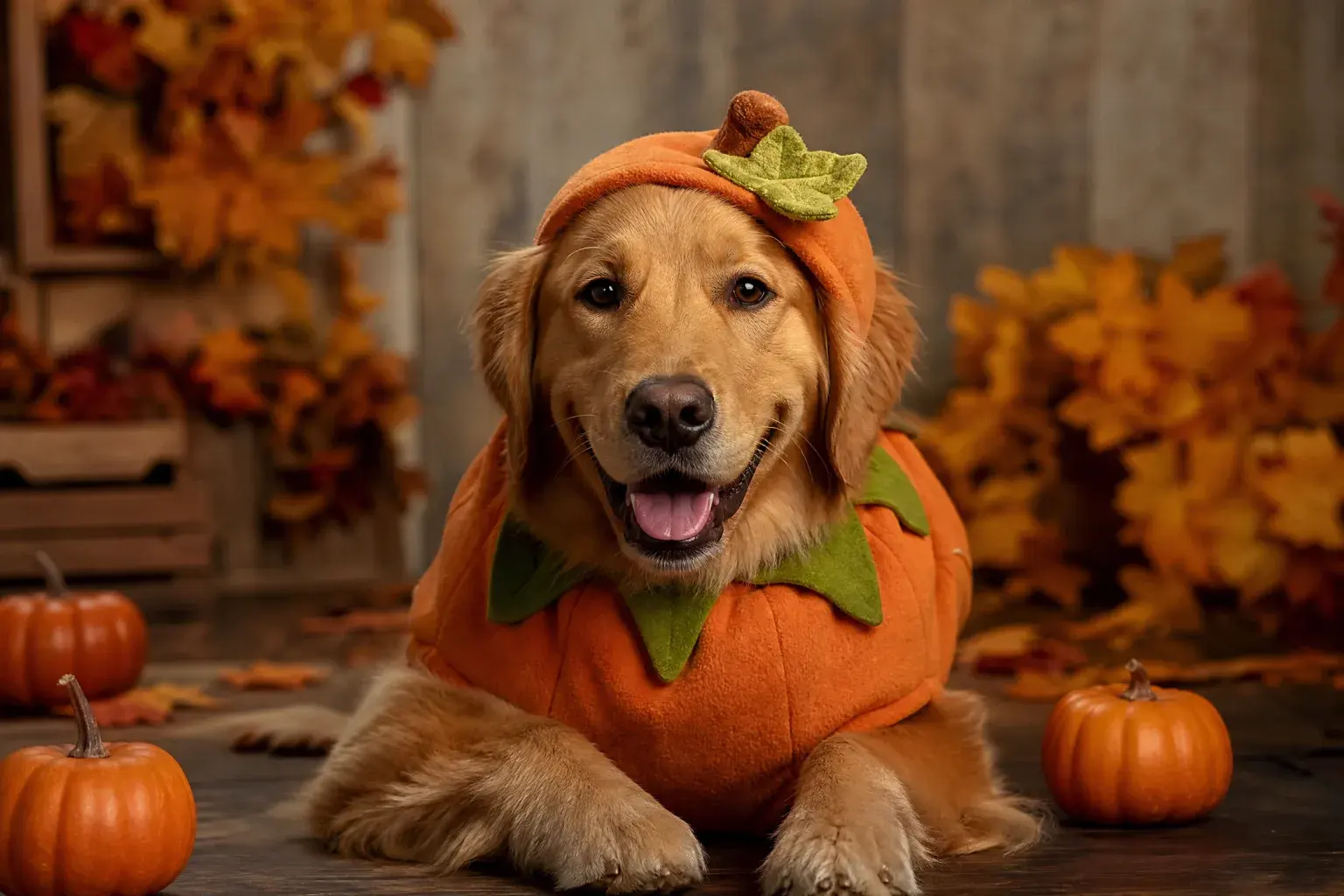
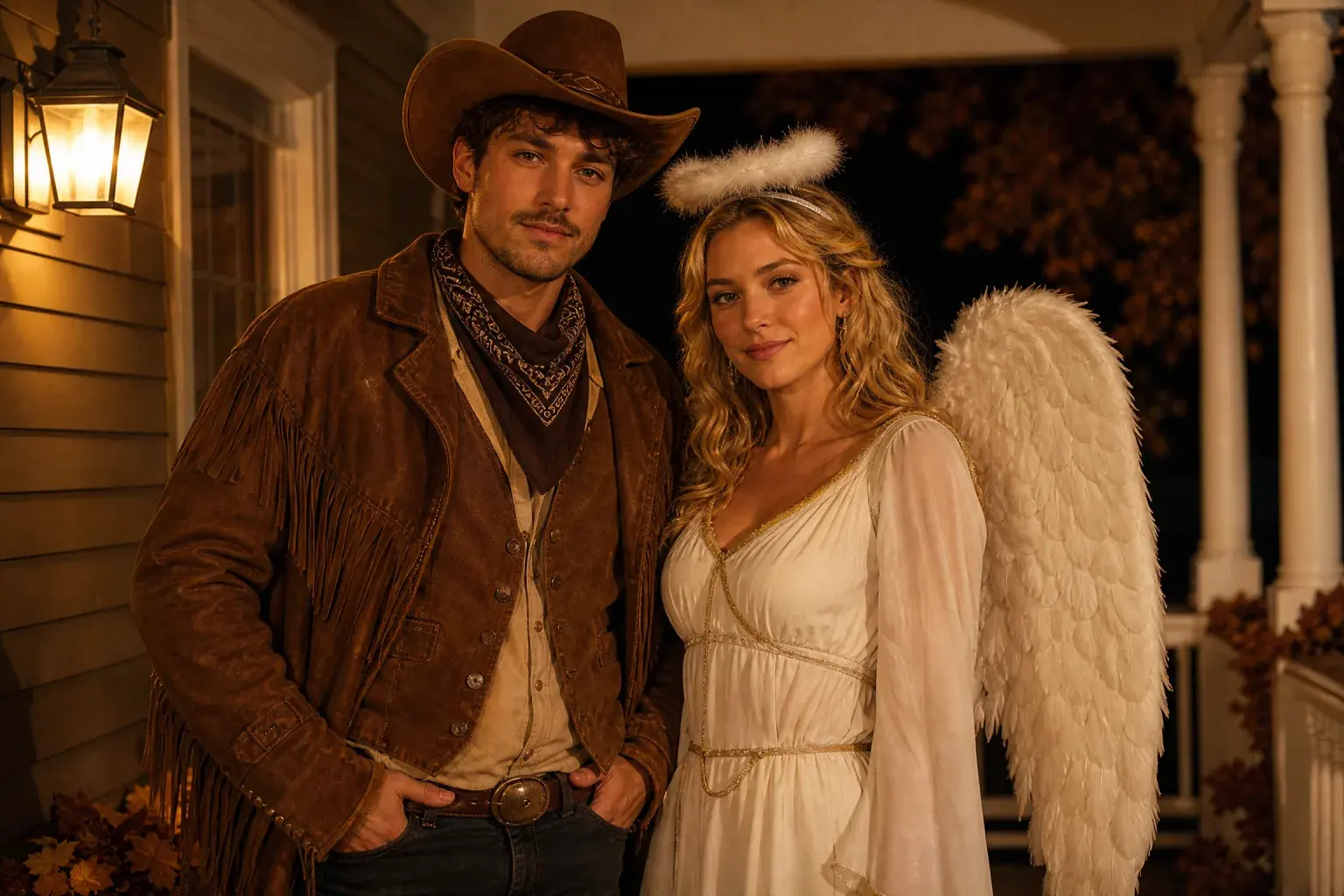
The collection is organised by the job you need done, not by keyword. The costume generator changes clothing and setting. The photo editor changes makeup, background or light. The video generator adds motion. The prompt library gives you the instructions without generating anything.
The look pages (Midnight Braids, Cosmic Princess, robot, unicorn) exist because people search for a specific visual direction, not for “a costume”. The pet and couple pages exist because their prompts fail in different ways: a pet needs breed preservation, a couple needs two identities and a fixed headcount. The trend report exists because “what is popular in 2026” is a different question from “how do I generate this look”.
Ask one question: what do I already have? If you have a selfie and no idea, start with the costume generator. If you have a photo and a specific fix, start with the photo editor. If you have a finished still, start with the video generator. If you have another model and no prompt, start with the prompt library.
Do not start with the trend report unless you are planning a page, a campaign or a seasonal product. It is research, not a generator. The trend report is useful for deciding which look to build; it is not the fastest path to an image.
Image and video are billed separately. Image models have different credit costs, and the workspace shows the exact quote before you submit. A default 6-second 1080p video costs 120 credits, the shortest 4-second clip costs 90, and an edit with a source clip costs 240. Failed generations are refunded automatically.
Prices are in credits, not dollars, because the same credit can buy different amounts of a model. The pricing page converts packs into credits and gives the price per default clip. Check the quote in the workspace rather than estimating from a third-party article.
Only upload photos you have the right to use, and get consent from every person in a couple or group image. Do not upload minors to a general image tool. Do not put a public figure into a costume or scene they have not appeared in.
Trend names and film titles belong to their owners. The prompts and sample images on these pages are original directions, not licensed production assets. Label results as AI-generated when a viewer could mistake them for photographs, and do not sell merchandise that copies identifiable protected designs.
01
Costume, photo edit, video or prompt. Use the four-job list above rather than browsing all twelve cards.
02
Each page has its own prompt, examples and FAQ. Do not combine prompts from different pages in one generation.
03
Use the default size or the shortest clip. Judge identity and composition before spending more credits.
04
Inspect faces, hands, costume edges and the number of people. Add an AI label where needed.
Upload a selfie, pick a look and press generate. This is the same image workspace the site uses, and the credit quote appears before you submit.
The generator below is loaded with a Midnight Braids prompt so you can test the workspace immediately. Browse the cards above if you need a different direction.
Open the generatorOther pages in the same Halloween collection, ordered by what you probably need next.
Flash Omni is an independent product and is not affiliated with or endorsed by Google, OpenAI, Kie, WaveSpeed or fal. Character and film names belong to their respective owners; the site supplies original looks and prompts, not licensed production assets.