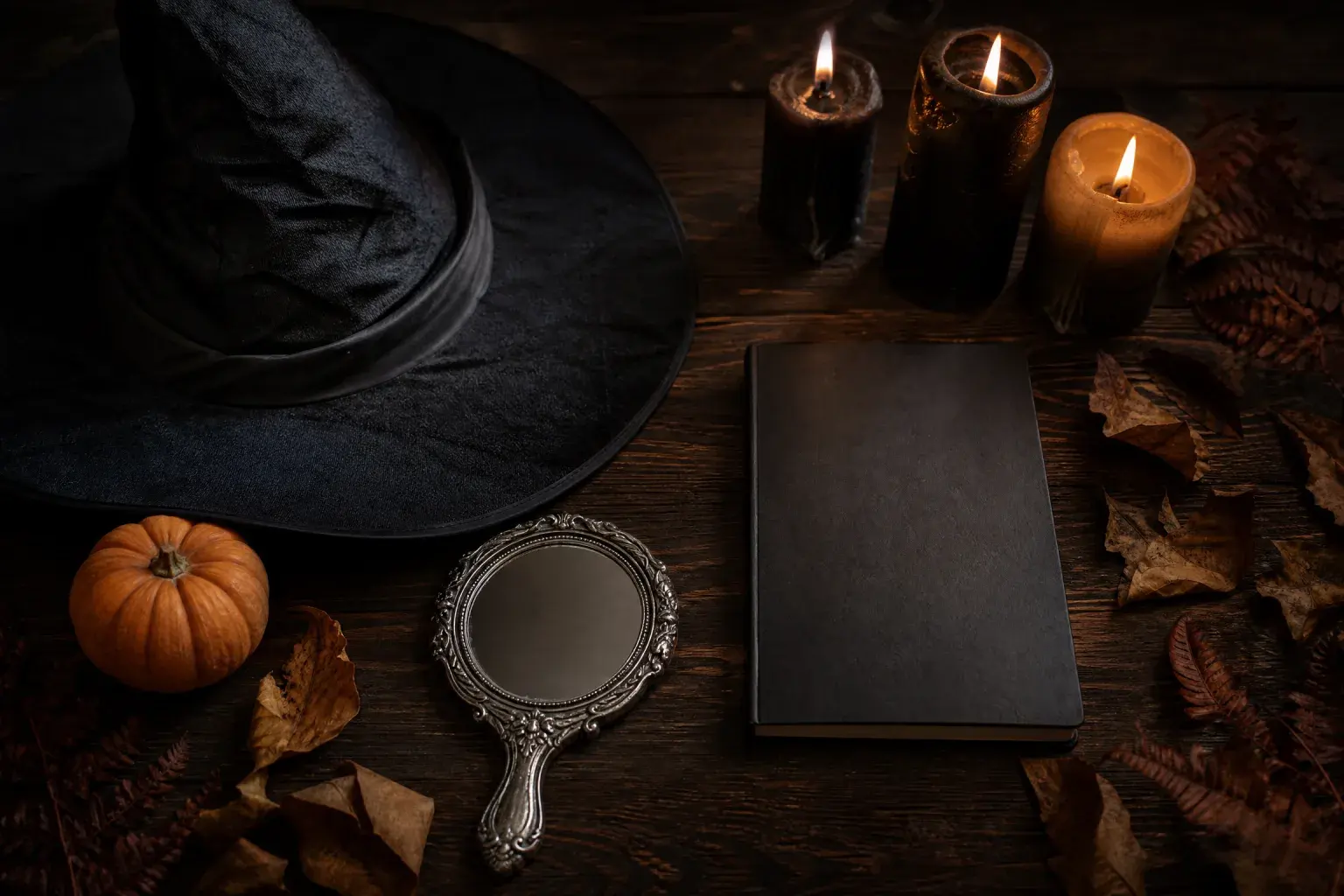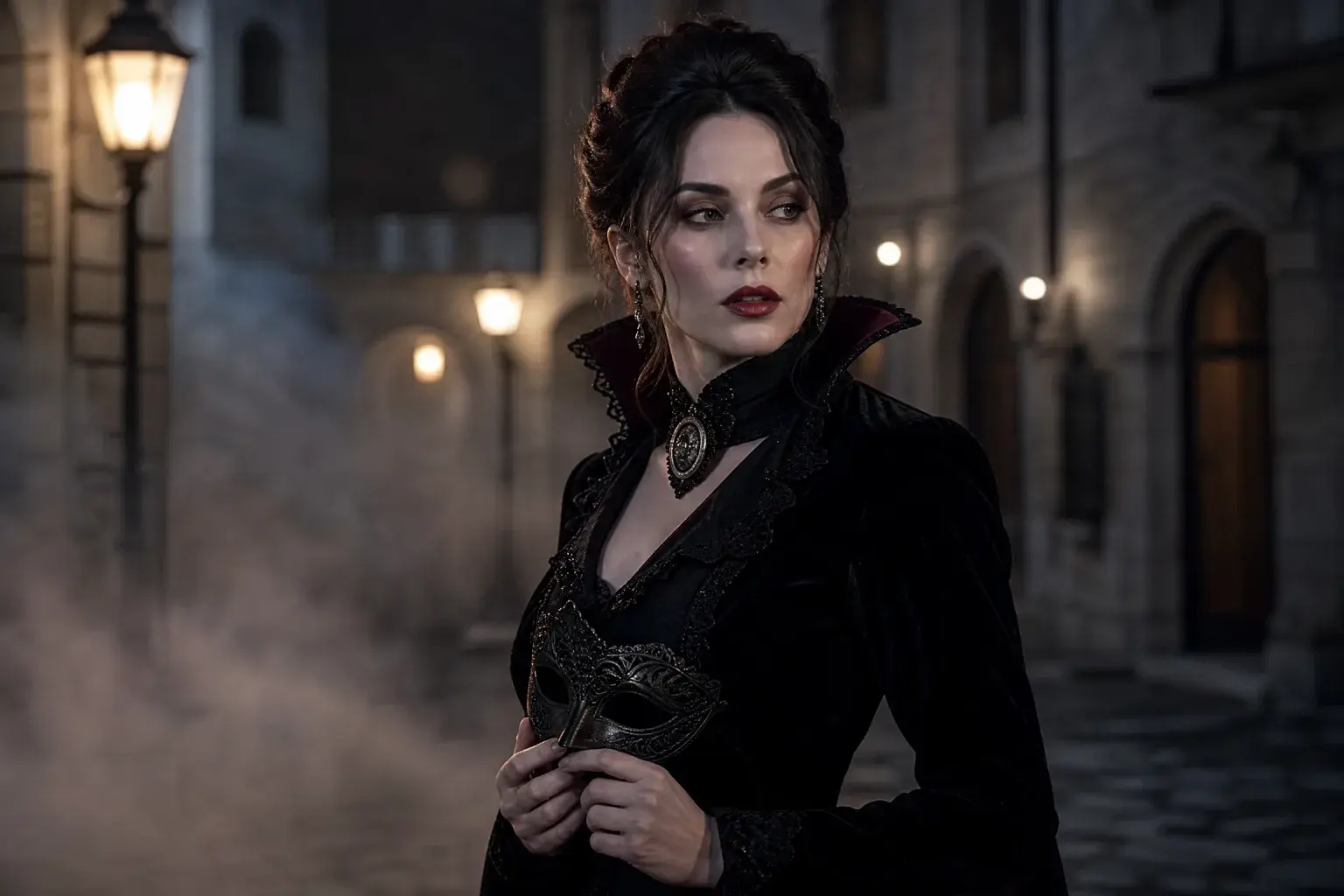
Costume portrait
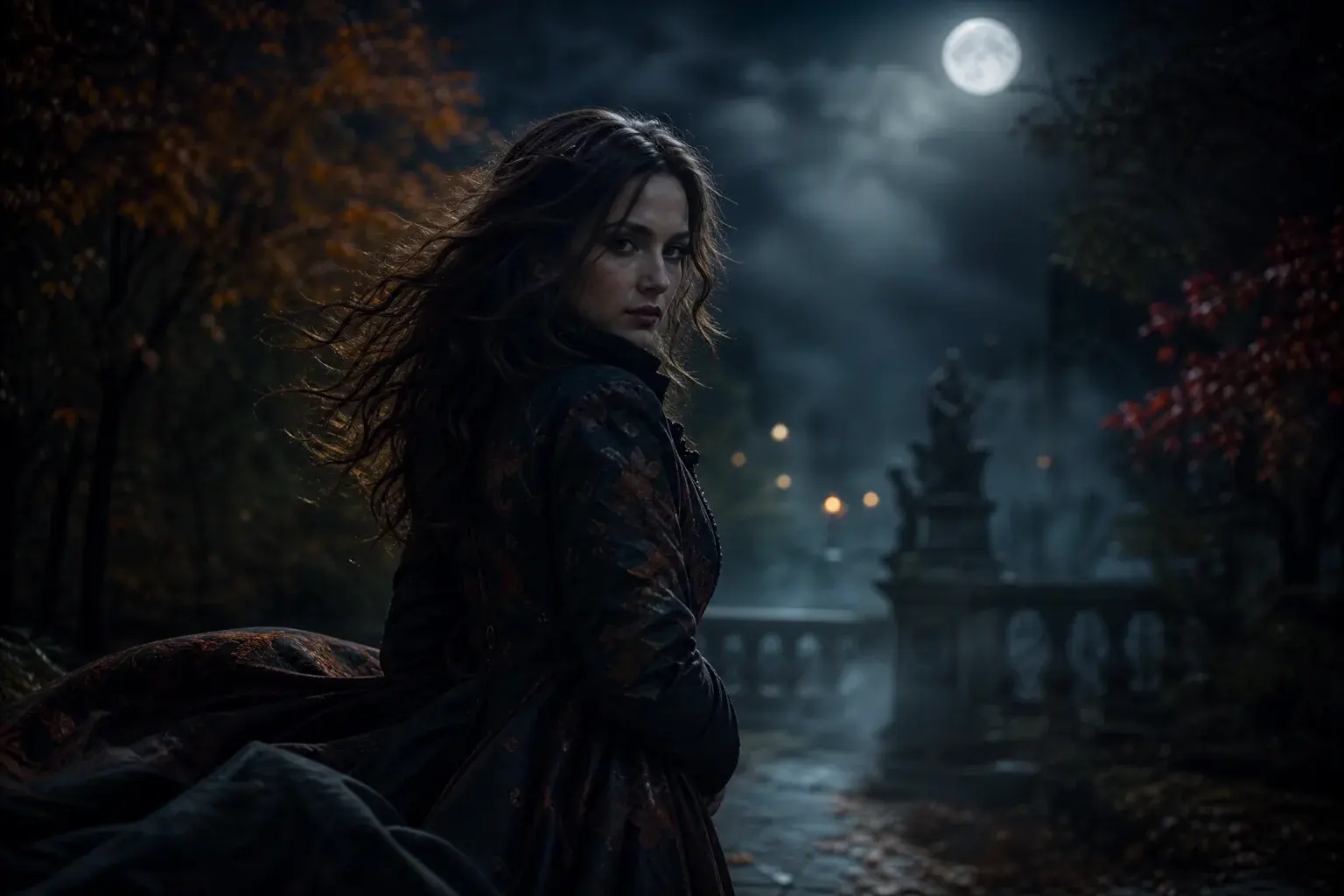
Replace the outfit, hair and setting while keeping the person recognizable.
Halloween AI
Halloween is a visual holiday, which is why AI image and video tools fit it so well. The useful question is not “can AI make a Halloween picture” but “which edit gives me a result I can actually post”. This page maps the four paths and the checks that keep them believable.
Halloween AI
The short answer
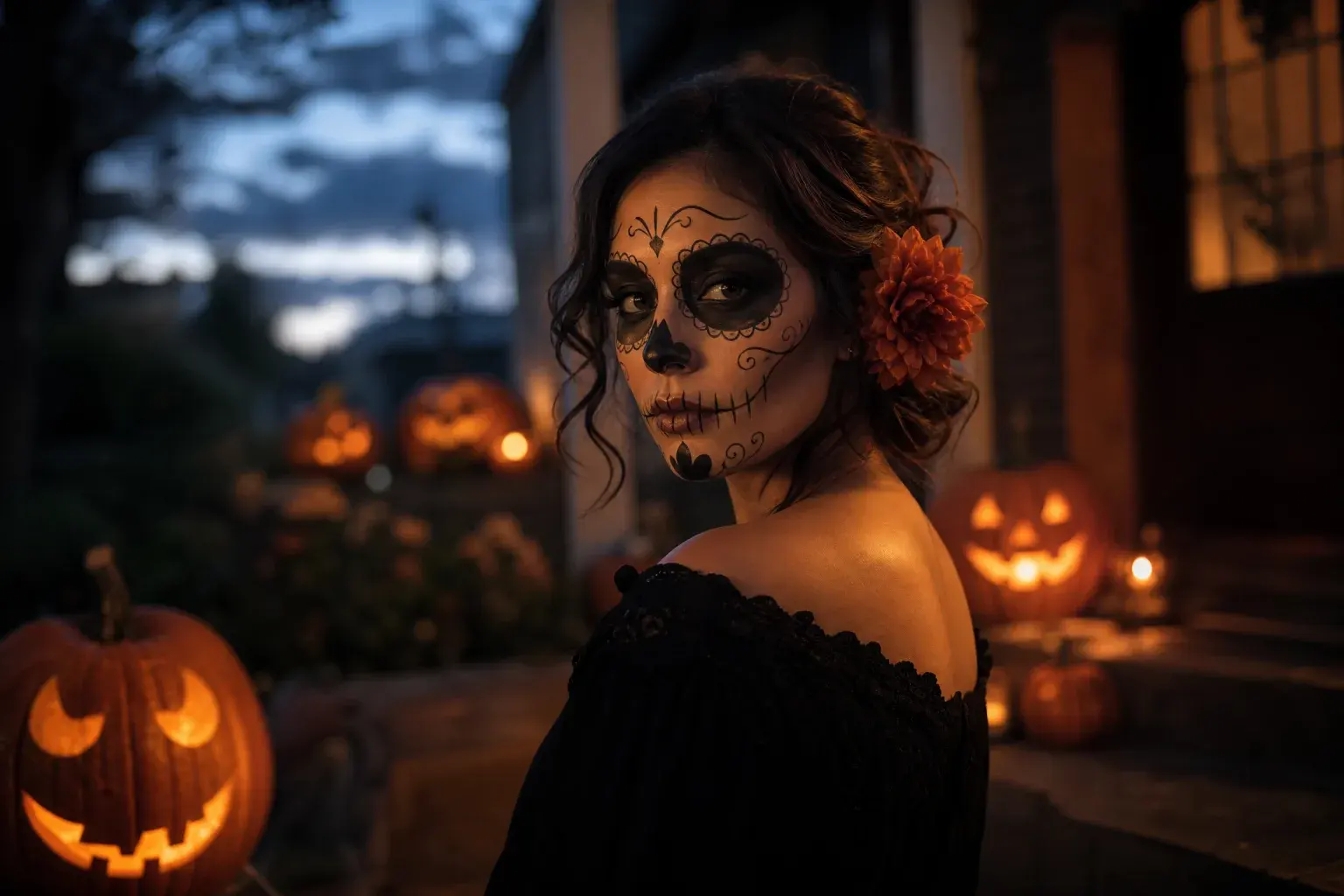
It is good at costume previews, makeup and background edits, and short atmospheric clips from a still. It is weaker at exact product accuracy, complex group scenes and text. Pick the smallest edit that gets the result you want.
Most bad Halloween AI images come from asking one generation to do four jobs. Choose one path first, then open the page that explains it.
A costume portrait changes clothing, hair and setting but keeps the person. A photo edit changes makeup, light or background without redrawing the whole frame. A short video adds motion to a still. A prompt library gives you the instructions without generating anything, which is useful if you already pay for another model.
These are different products even when they share a model underneath. A costume portrait needs an identity-preservation prompt. A photo edit needs a light-matching prompt. A video needs a motion prompt. A prompt library needs tested examples and honest notes about what each one does. Treating them as one “Halloween AI” button is why so many results look generic.
The usual tells are plastic skin, floating costume edges, extra fingers, a background that does not share the subject’s light, and a face that changes between the first and second generation. None of these are solved by a longer prompt. They are solved by a smaller edit, a better source photo and one change at a time.
A second tell is generic styling: purple fog, a full moon and a haunted house in every image. Real Halloween photography has specific light: a porch bulb, a phone flash, a carved pumpkin on a step. Naming one real light source makes an image feel more grounded than naming five spooky adjectives.
Start with the photo you have. Fix the light or background first, because that is the smallest change and the easiest to judge. Then decide whether you need a costume. If you do, use a preset prompt and keep the preservation sentence. If the still looks right, animate it with one movement rather than generating a new scene.
Image and video are billed separately. The image workspace shows its quote before you submit. In video, a default 6-second 1080p clip costs 120 credits, the shortest 4-second clip costs 90, and an edit with a source clip costs 240. Failed generations are refunded.
AI can suggest a costume, not guarantee that a real garment exists, fits or ships. It can also drift toward a recognisable film or brand design without being asked. If a result looks like a specific protected character, change the prompt before you publish it, especially if you plan to sell anything.
Only upload photos you have the right to use, and do not put minors or non-consenting people into costumes or scenes. Label the result as AI-generated when the platform offers it and when a viewer could reasonably mistake it for a photograph. The goal is a good Halloween image, not a false record of a real event.
01
If the face and photo are the point, start with a photo edit. If the costume is the point, use a costume prompt. If motion is the point, start from a still and animate it.
02
Open the matching page in the collection. Do not combine three pages’ prompts into one generation.
03
Use the default size and the shortest duration. Judge identity, light and composition before spending more.
04
Inspect the face, hands and costume edges. Add an AI label where needed, and keep the original photo for reference.
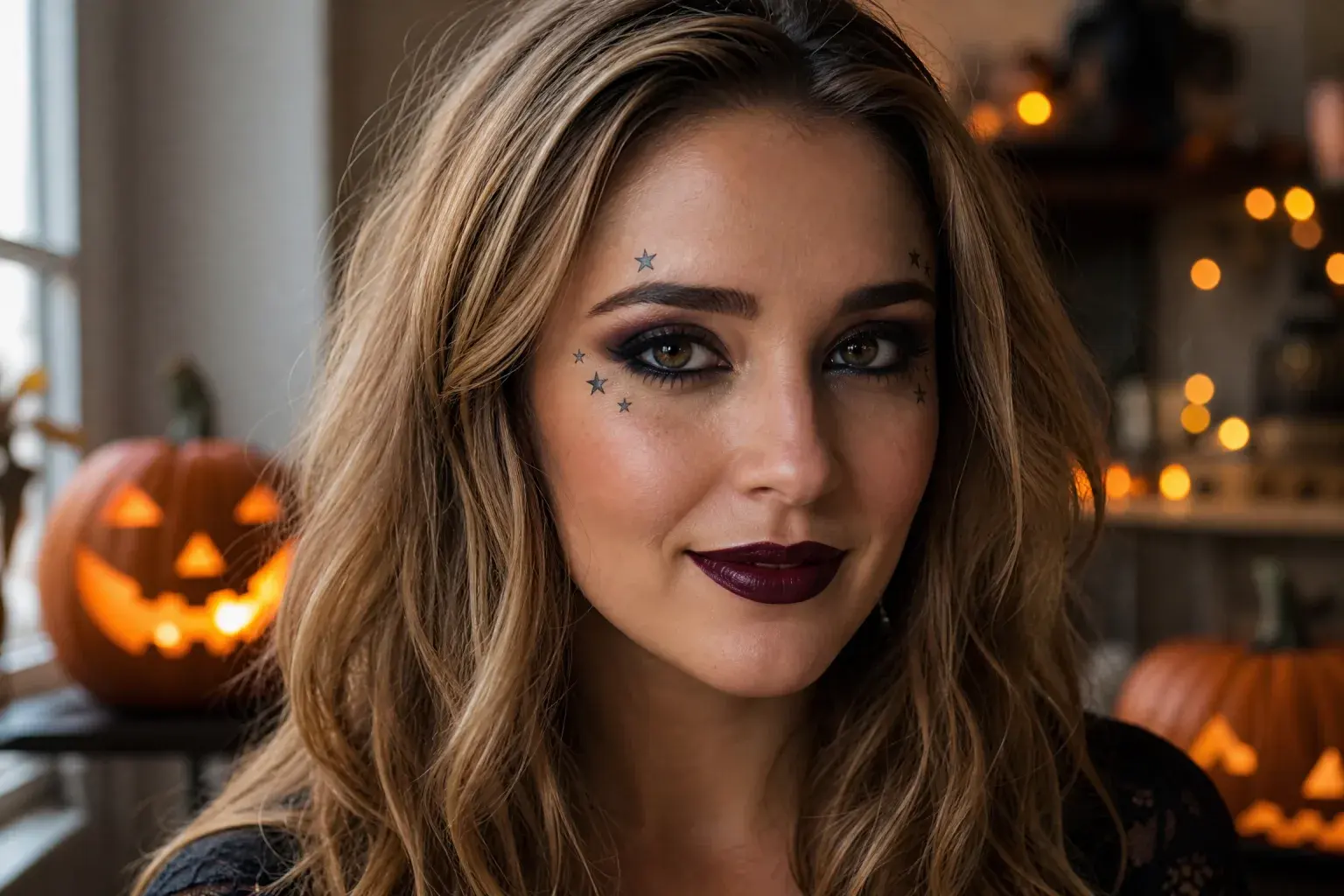
Upload a selfie, pick a look and press generate. This is the same image workspace the site uses, and the credit quote appears before you submit.
The editor below is loaded with a subtle makeup prompt. Use it to test identity and light before moving to a full costume.
Open the editorOther pages in the same Halloween collection, ordered by what you probably need next.
Flash Omni is an independent product and is not affiliated with or endorsed by Google, OpenAI, Kie, WaveSpeed or fal. Character and film names belong to their respective owners; the site supplies original looks and prompts, not licensed production assets.